Core Capabilities
What Agenvoy can do at a glance, plus the browser dashboard and the chatbot channels it answers on.
Core capabilities
| Capability | Description |
|---|---|
| Auto tool generation | Builds and saves tools when they're missing |
| Self-scheduling | Create cron jobs with a single sentence |
| Long-term memory | Retains key info and context |
| File search | Answers from your local files |
| Sub-Agent | Multi-agent collaboration |
| MCP client | Connect to external MCP services via official go-sdk (live tool refresh) |
| MCP server | Expose sandboxed tools to any MCP-compatible agent |
| Reasoning guides | On-demand rules via reasoning_guide(topics=[...]), several topics in one call |
| Tool Market | Share and install tools |
| Image generation | Generate images through a configured provider |
| Live command output | Stream run_command progress to the TUI and Web dashboard |
| Secure file boundary | Confirm sensitive paths and out-of-home access before granting them |
| MCP OAuth | Log in to HTTP MCP servers and persist tokens in the OS keychain |
| Transcription | Audio and video to text |
| Self-improvement | Auto-fixes after execution failures |
Knowledge notes (operator notes) were removed in v1.0.23; keep reference material in files and use File search instead.
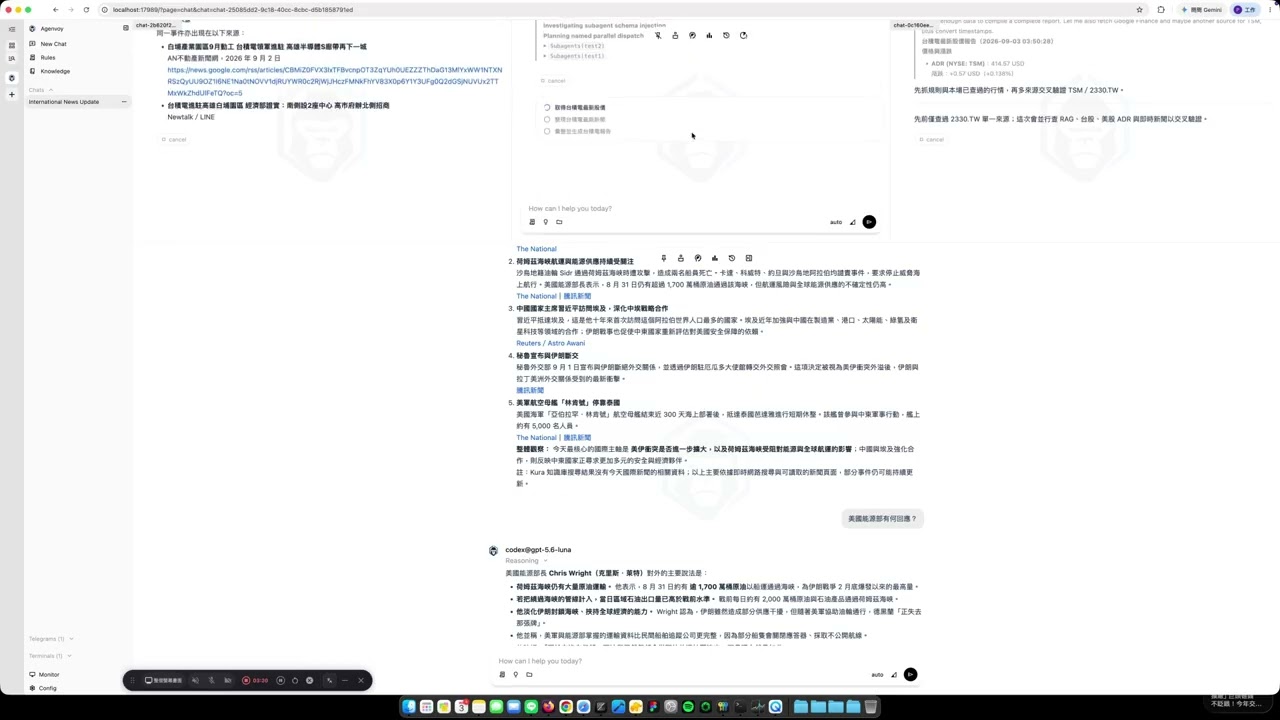
Drive Your Agent From the Browser
Manage sessions, tools, schedules, and memory from a browser. The dashboard ships inside the binary — start the daemon and open http://127.0.0.1:17989. It is served by your own machine, so nothing leaves your device.
Chatbot Integrations
Agenvoy currently supports Telegram and Discord as chatbot channels. The local daemon initiates outbound connections to these platforms, so you only need to configure a bot token—without exposing inbound ports, setting up a reverse proxy, or making your host public.
Since v0.34.4, Telegram and Discord have paused the default flow that automatically replies to voice input with voice output. You can still use STT/TTS tools to generate audio and send the resulting audio files to either channel.